
Zot — A fast, minimal note-taking CLI written in Zig
I’ve been using terminal-based note-taking for years, but nothing quite fit how I work. Most tools are either too heavy (full editors), too slow (Electron), or tied to a specific ecosystem. So I built Zot — a CLI-first note-taking tool in Zig.
Why Zig?
Zig gives you C-level performance with modern safety guarantees, zero-overhead C interop, and no runtime or garbage collector. The compiled binary is a single ~200KB executable with no runtime dependencies. And since macOS ships SQLite, the database is already on the system — no dependencies to install.
What it does
- CLI mode — Add, list, search, update, and delete notes from the command line
- TUI mode — Full interactive terminal UI with keyboard navigation, forms, and live search
- Reminders — Set due dates with recurring schedules (every hour, every day)
- macOS notifications — Native notification delivery via
osascript, no app bundle required - Export / Import — Full JSON export and import for backup
- Background scheduler — Optional
launchdagent that checks reminders every 5 minutes
Quick tour
zot -n "buy groceries"                          # add a note
zot -n "deploy v2" -p myapp -d tomorrow         # with project + due date
zot list                                        # see all notes
zot done 3                                      # mark complete
zot tui                                         # launch interactive TUI
Due dates accept flexible formats: YYYY-MM-DD, MM/DD/YYYY, today, tomorrow, eow (end of week), eom (end of month), and YYYY-MM-DD HH:MM with business hours validation (9:00–17:00).
TUI
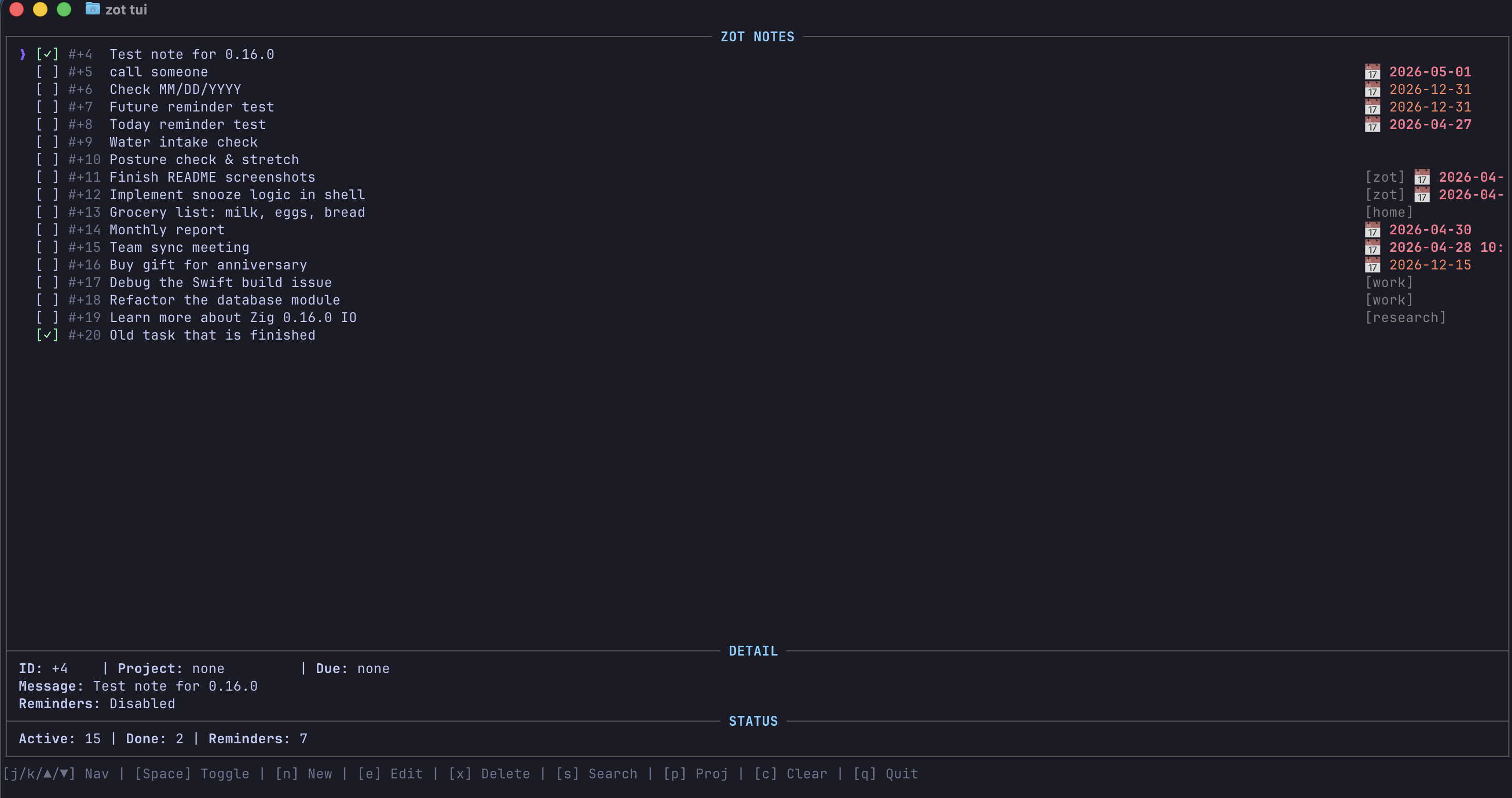
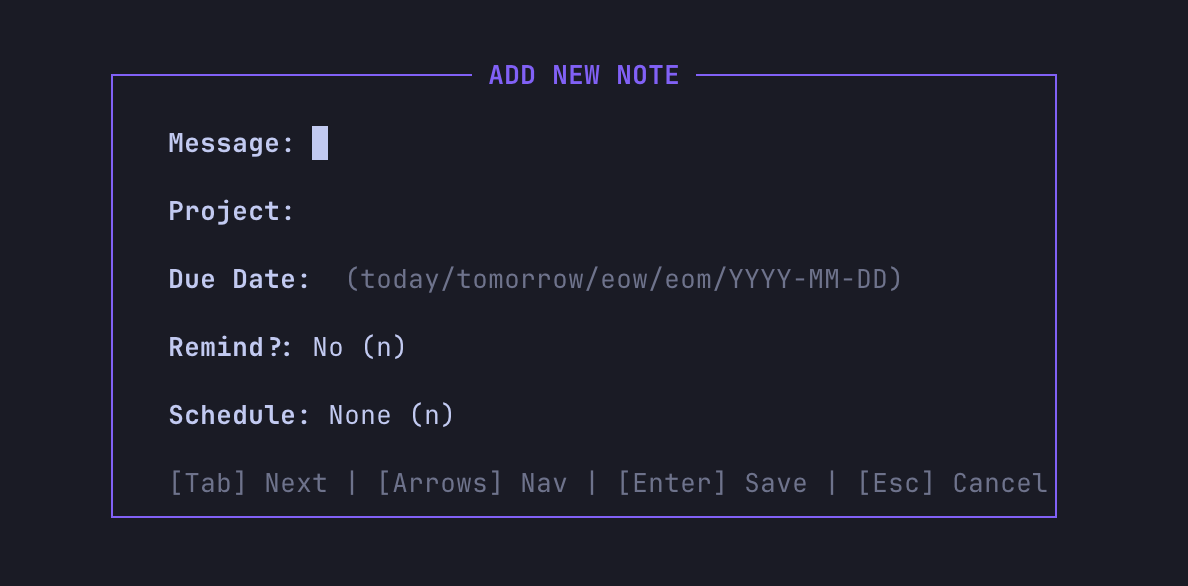
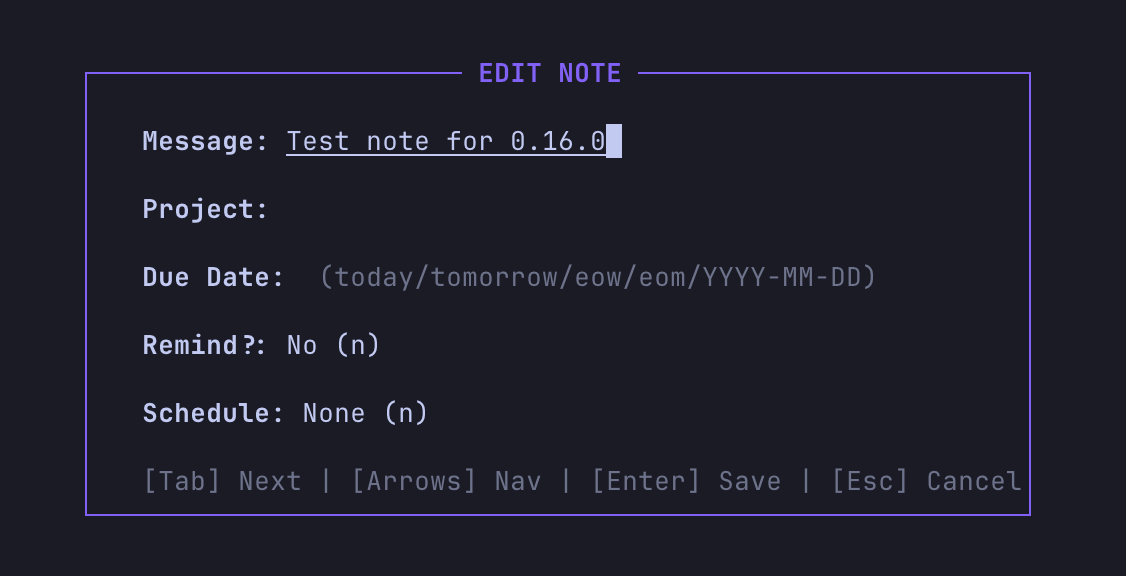
The TUI is the most used part for me. It gives you a scrollable list, detail panel, status bar, and modal forms for adding and editing notes — all keyboard-driven without leaving the terminal.
How it works under the hood
Database layer sits on SQLite via Zig’s @cImport. Notes are stored in ~/.zot_notes.db with columns for message, project, due date, remind flag, schedule, and done status. Queries use parameterized SQL statements.
Notifications use osascript -e 'display notification ...' which fires native macOS notifications from a plain CLI binary — no app bundle, no entitlements, no code signing. The launchd plist runs zot notify every 5 minutes.
Date handling validates and resolves due dates in-house: validateDueDate checks format and business hours, resolveDueDate maps keywords like today/tomorrow/eow/eom to actual dates, and isDueNowOrPast drives both the TUI overdue highlighting and reminder delivery.
Swift integration is a side benefit of Zig’s C ABI — the build outputs libzot.dylib with exported C functions, so the same database and query logic can be embedded in a native macOS Swift app without any bridge or wrapper.
Try it
For more details (full command reference, architecture, C header), check the Zot project page or the GitHub repo.